Introducing Pitovee AI: An AI Image to Video Generator for Creators
Explore Pitovee AI, an AI image-to-video generator for creative projects. Discover its image tools, credits, and useful ways to get your first idea moving.
You’ve got a photo you love, an idea for a short video, and no interest in spending your afternoon learning another complicated editor. That’s a familiar starting point for anyone making content alongside a busy day.
Pitovee AI brings an AI image to video generator and image creation tools into one workspace. The appeal is easy to understand: describe what you want to make, choose how you want to make it, and start exploring.
Here’s a conversational look at what the platform offers and how you might approach your first project.
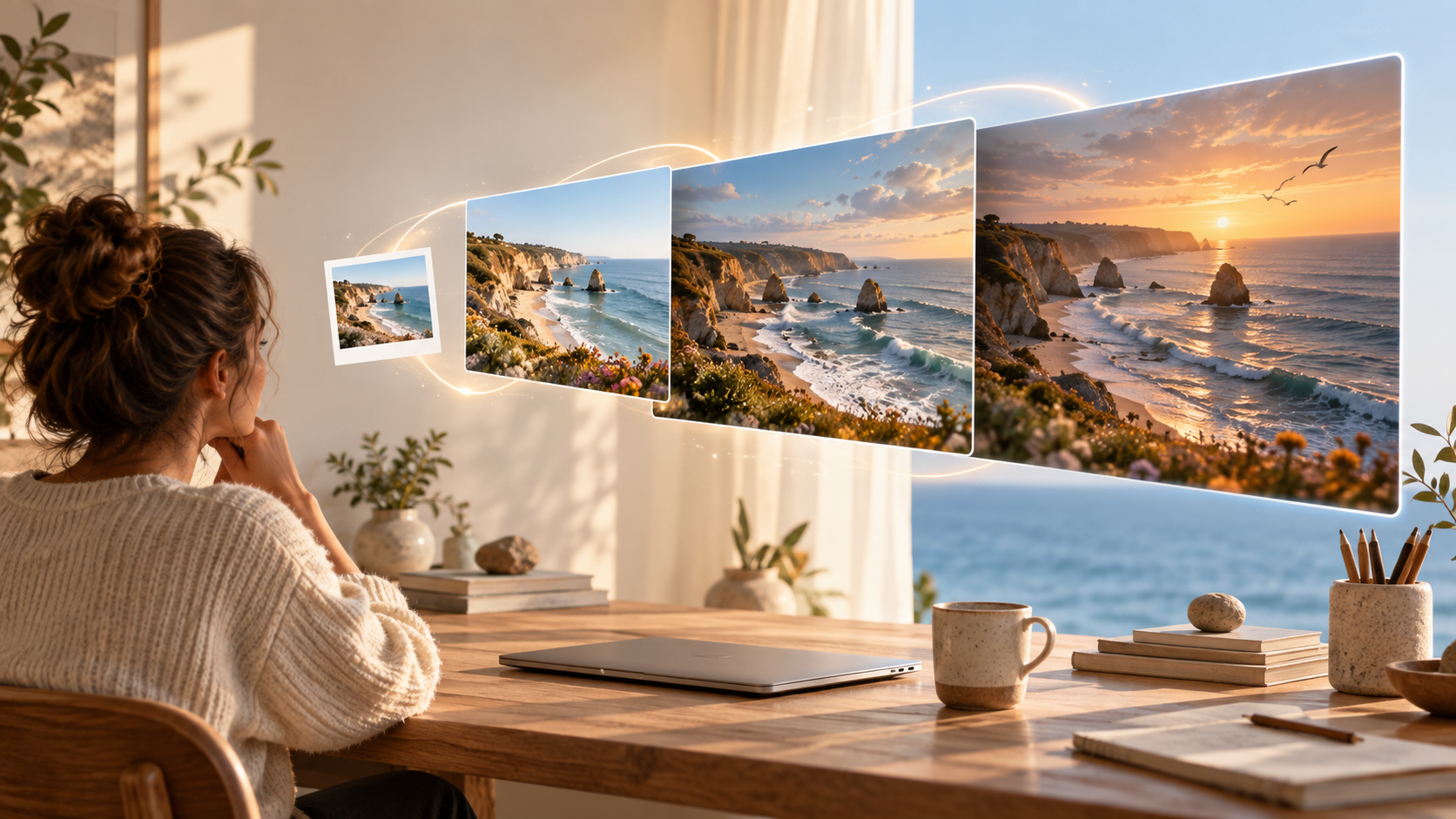
What Can an AI Image to Video Generator Do Here?
Pitovee AI combines an AI video generator with AI image generation tools. You can start with text or reference images in its AI photo to video generator, while its image workspace focuses on concepts, campaign artwork, and visual experiments made from prompts.
That gives you two useful starting points. If you already have a visual direction, you can explore image to video. If the scene only exists in your head, text to video gives you somewhere to begin.
The shared creation workspace also explains that available capabilities change with the model you select. Think of the model choice as part of planning your project: check what it supports before deciding what your finished piece should look like.
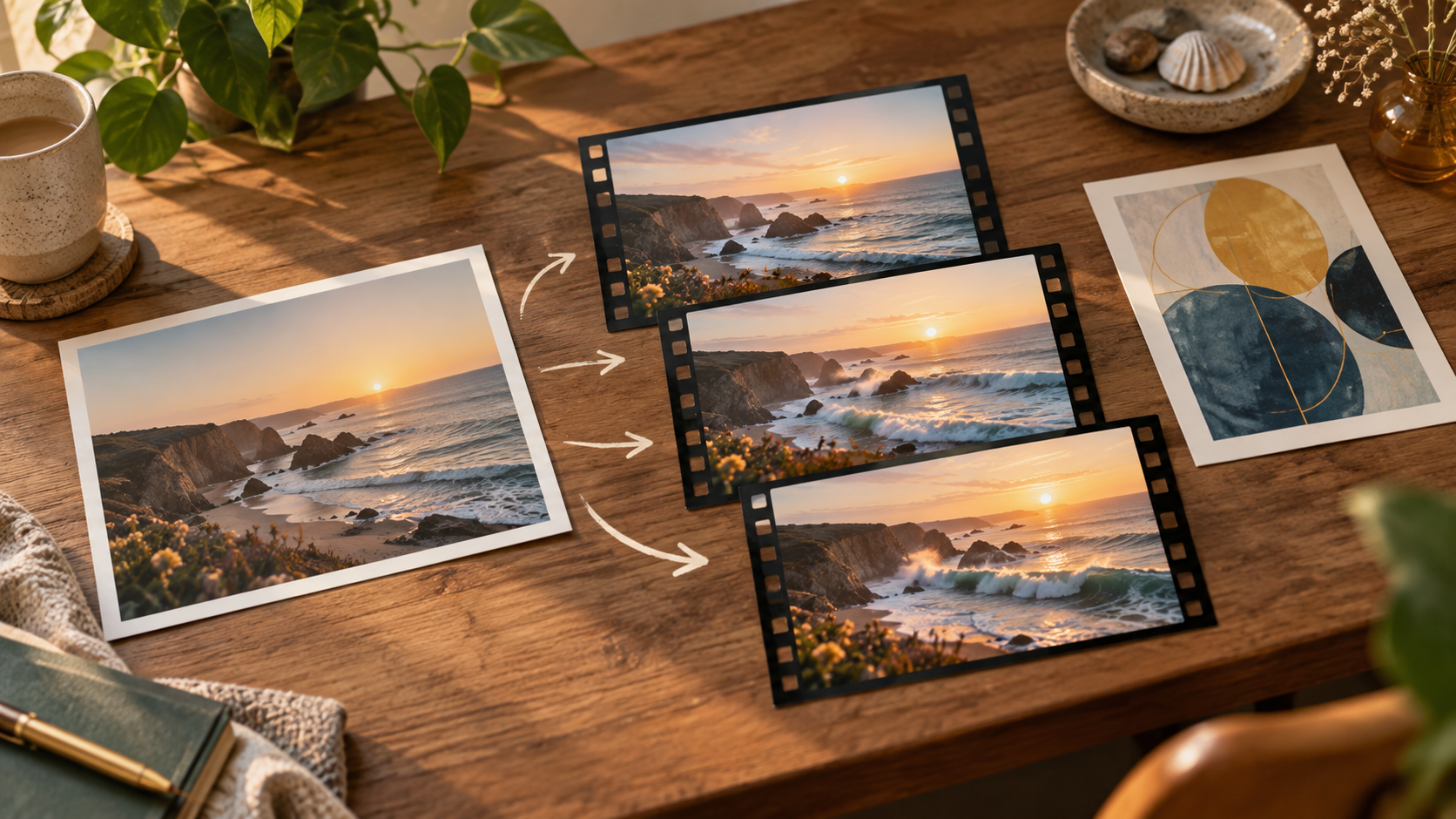
Start with One Scene You Can Picture
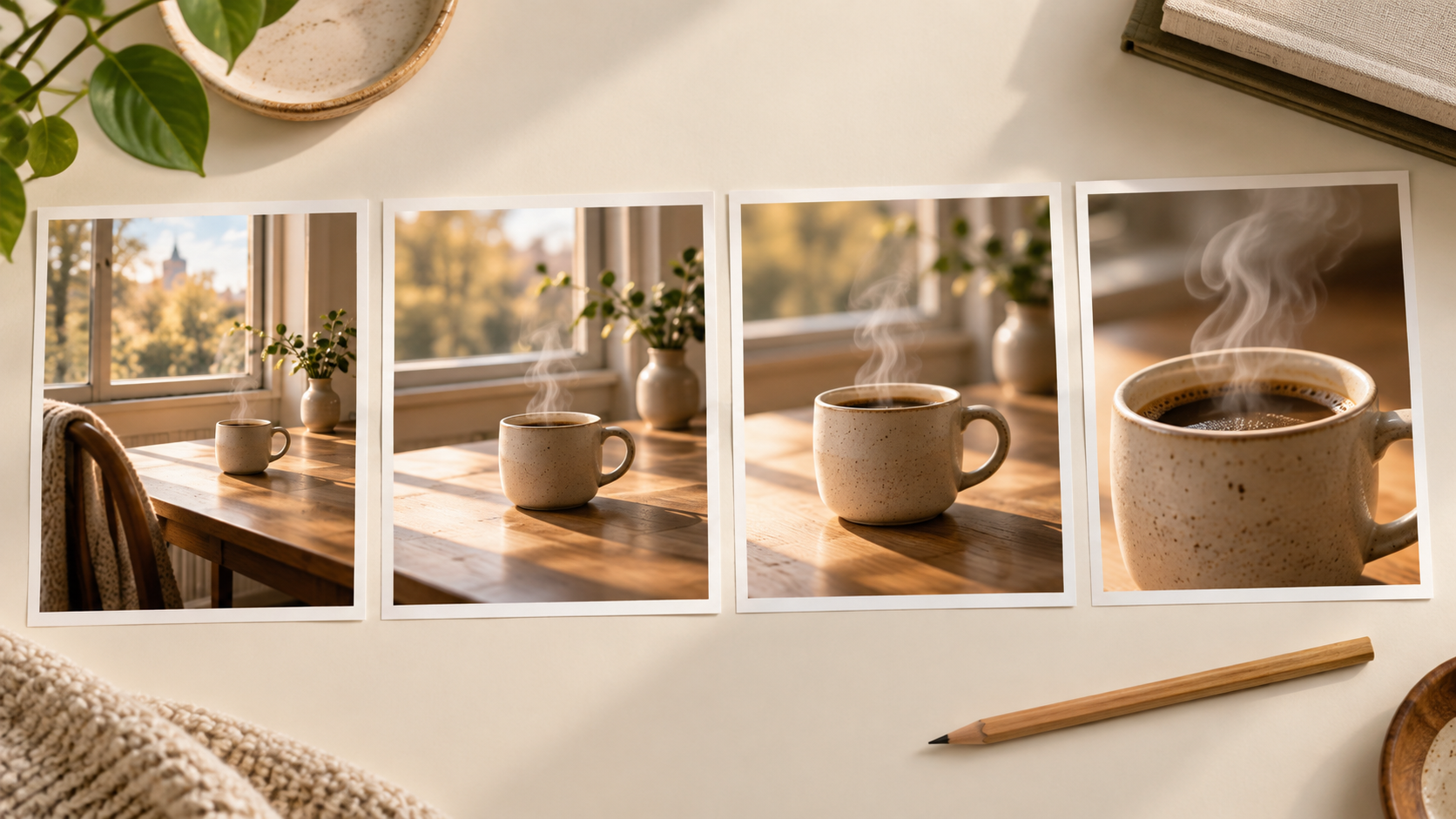
For a first attempt, keep the idea small enough to describe clearly. A steaming coffee cup beside a window is a much easier creative brief to evaluate than an entire café commercial with multiple characters and scene changes.
You might try a prompt like this:
A ceramic coffee cup on a wooden table beside a window. Steam rises gently as the camera slowly moves closer. Soft morning light, warm colors, calm atmosphere.
Notice what that brief gives you: a subject, an action, a camera direction, and a mood. Those are useful decisions to make before generating anything.
Treat the result as a draft to review. Does the motion match your idea? Does the subject stay recognizable? Would a slower camera move work better? Change one thing between attempts so you can tell what helped.
AI Images Give Your Video Idea Somewhere to Begin
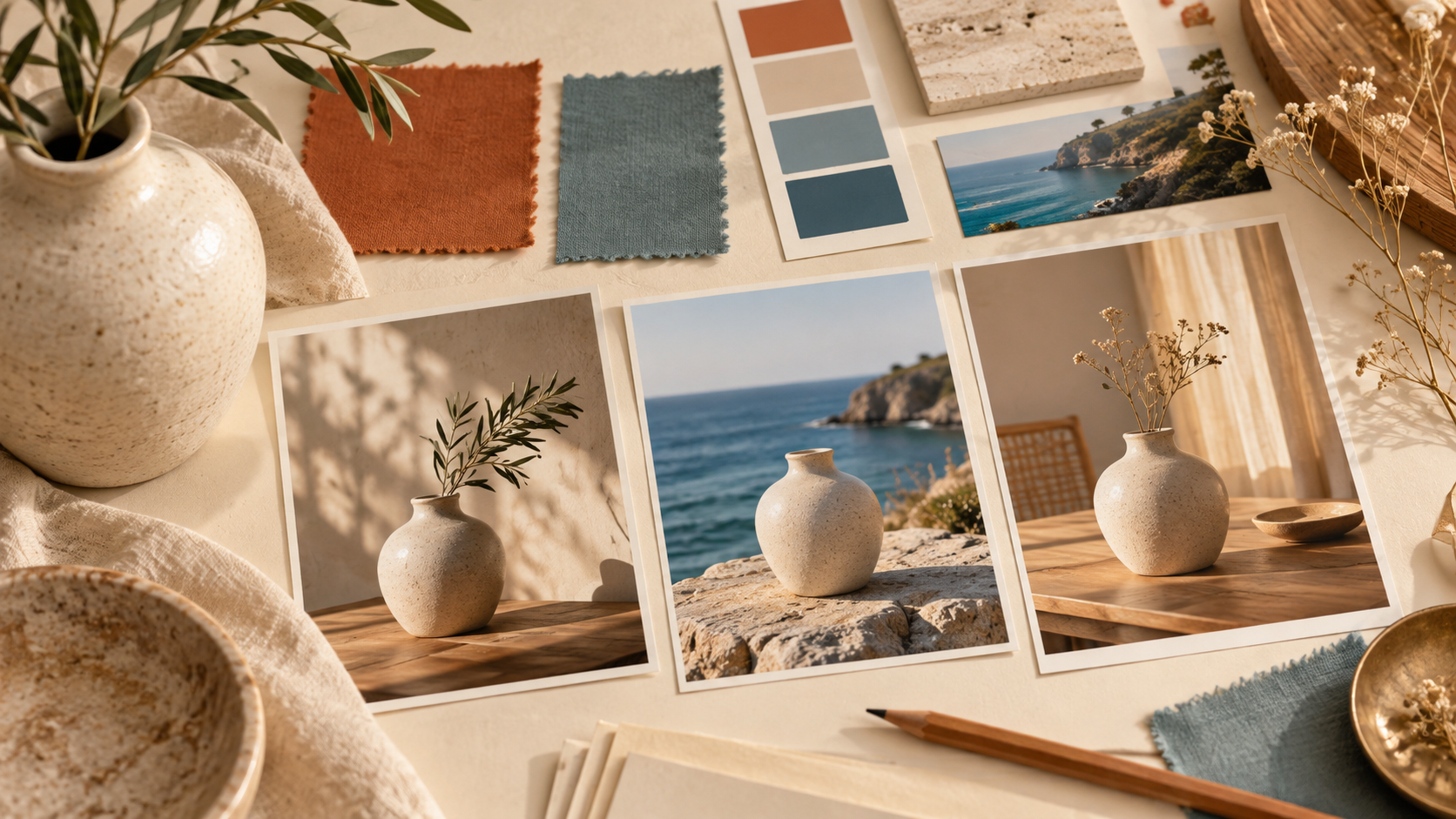
Sometimes the hardest part of a video is deciding what it should look like. You may know the feeling you want without having a suitable picture ready.
The platform’s image tool offers a place to explore that visual direction through prompts. Its stated uses include concept work and campaign art. Explore the image workspace.
For example, a small shop could sketch out the mood of a seasonal campaign, while a creator could experiment with a thumbnail concept. These are possible creative uses, rather than promises about a particular result.
Make the image useful on its own first. Strong composition and a clear subject give you something concrete to build around.
How to Approach Your First Pitovee AI Project
The public workspace shows a prompt field, model selection, output preview, credit information, and a sign-in requirement for creating. It also says generated work is saved to a private library. See the creation page.
A sensible first session could look like this:
- Choose one purpose. Decide whether you need a short visual concept, a piece of campaign art, or a scene for a larger video.
- Pick the medium and check the model. Look at the available options and confirm that they support your intended input and output.
- Write a focused prompt. Describe the subject, setting, movement, and mood in everyday language.
- Review before committing further credits. Look closely at the result, then refine the brief if necessary.
There’s no need to make your first attempt ambitious. A small project gives you a better sense of whether the workflow suits you. Keep a record of prompts you like so you can revisit them.
How the Credit System Is Presented
The pricing page describes a credit purchase system with no subscription or daily check-in requirement. It presents the credits as permanent and says they are added after verified payment.
For someone who creates occasionally, that arrangement may be appealing: you can plan around individual projects instead of a monthly publishing routine.
Before buying, check the current package prices and the credit cost of the model you want to use. A useful budget includes room for revisions, because your first generation may simply help you understand what to ask for next.
Who Might Find It Useful?
Pitovee AI is worth exploring if you regularly have visual ideas but limited time to develop them. That could mean a solo creator planning social content, a shop owner exploring promotional concepts, or a blogger looking for a stronger visual theme.
The practical question is whether the outputs fit your project. For a product scene, inspect shapes and labels. For a character, check consistency. For a wider campaign, consider how the visual will work alongside your captions, branding, and other assets.
Those checks matter more than an impressive first glance. Choose a small project you understand well, so judging the result feels straightforward.

Frequently Asked Questions
Can Pitovee AI create videos from images?
The AI image-to-video generator supports reference images as well as text. Check the selected model’s available controls before starting.
Do I need to sign in?
The creation workspace asks users to sign in to create. You can view the public introduction and tool pages beforehand.
Does it require a subscription?
Its pricing page advertises purchased credits without a subscription. Review the current purchase details before choosing a package.
Give Your First Idea a Little Room to Move
Pitovee AI offers an approachable idea: bring video and image creation into a shared workspace, then let the creative brief lead. Start with one picture or one described scene, explore the available model settings, and judge the result against what you need.
Try the image to video generator with a small idea in mind. That’s enough to get things moving.
Related articles
Plan Black Friday video ad prompts around product reveals, gift sets, and mobile ads, then add accurate prices, sale dates, and clear offer text during editing.
Diwali AI Video Prompts: Six Warm Greeting Scenes with Diyas and LightExplore Diwali AI video prompts for glowing diyas, festive tables, and personal greetings, with thoughtful visual details and clear animation directions to try.
AI Product Photography Prompts: Six Styles for Your Holiday CampaignsAI product photography prompts help you explore lighting, surfaces, and campaign compositions. These six original styles show how to define the image's purpose while keeping the real product's shape, packaging, and important details central to the review.