AI Action Figure Prompts: Create Toy Box Portraits and Animate Them
Use AI action figure prompts to design original toy portraits, organize accessories and packaging, and plan a short animation while checking visual consistency.
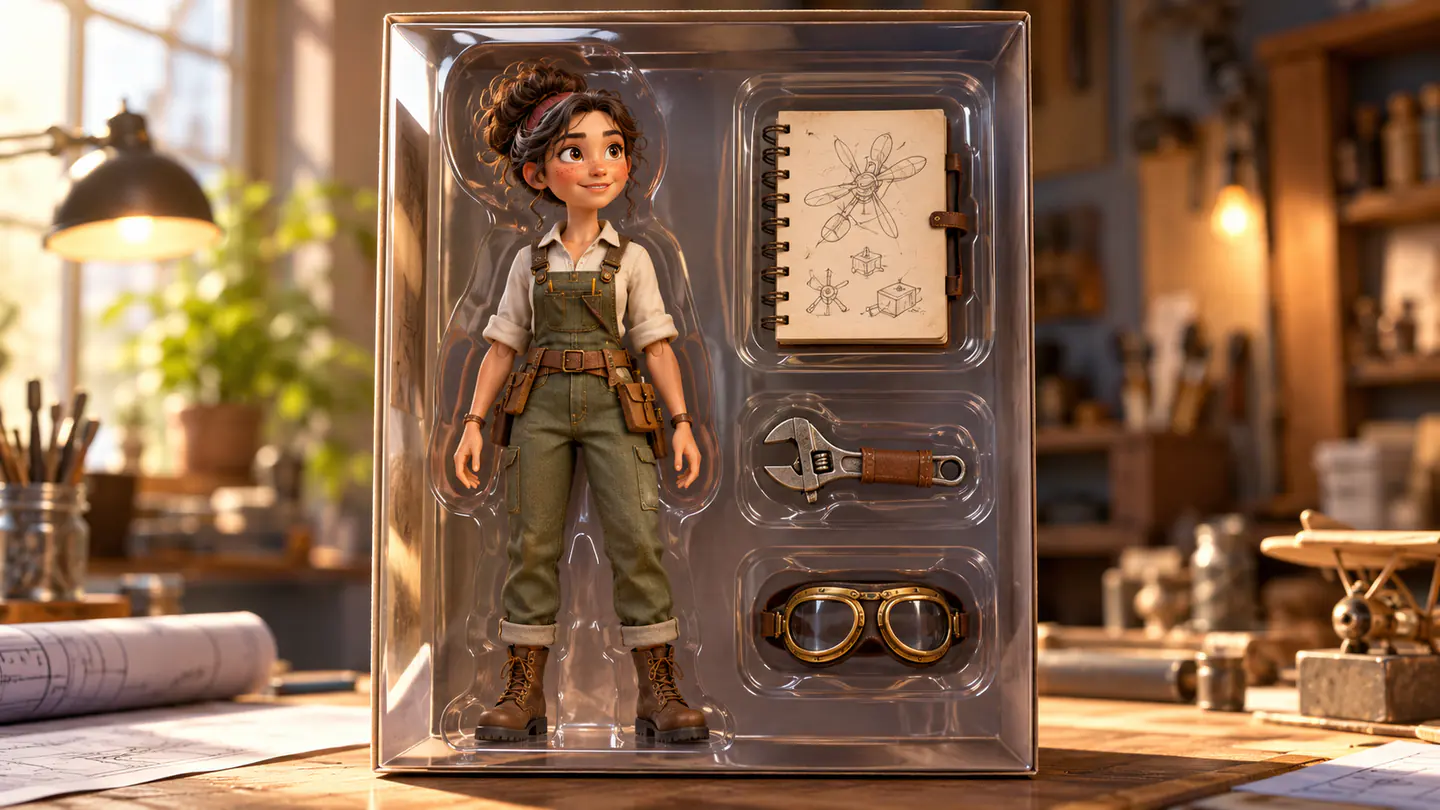
Quick Summary
AI action figure prompts connect a character, pose, accessories, and package into one collectible-style portrait. This guide gives six original design examples and a workflow for reviewing the box before developing a short animation.
Why a Toy Box Needs a Clear Character Brief
The figure communicates who the character is; the accessories suggest their interests. The package should make both easy to understand.
The format has a documented historical search connection. Google's Australian Year in Search 2025 included making an AI action figure among trending DIY questions. That is a regional 2025 signal, not a current global demand estimate. Google Australia Year in Search 2025
Choose an original character and a small group of meaningful props. A crowded box can make counting errors and unclear object shapes harder to identify.
Key Takeaways
- Define the character before describing the package.
- Begin with three distinct accessories.
- Specify the desired molded or sculpted appearance.
- Review hands, compartments, and transparent surfaces.
- Add exact package wording during editing.
Build an AI Toy Box Prompt
Write four decisions: character, pose, accessories, and packaging style.
For an inventor, that could mean a relaxed figure in overalls, three tools that suggest making things, and warm orange packaging. A gardener needs different props and a different visual context.
A 3D action figure AI prompt should also explain the material. “Stylized molded collectible with painted details” gives a clearer direction than a generic request for a realistic person inside a box.
Keep the first layout simple. Leave the package title and small printed information for an editing stage when exact text matters.
Six AI Action Figure Prompts
1. The inventive maker
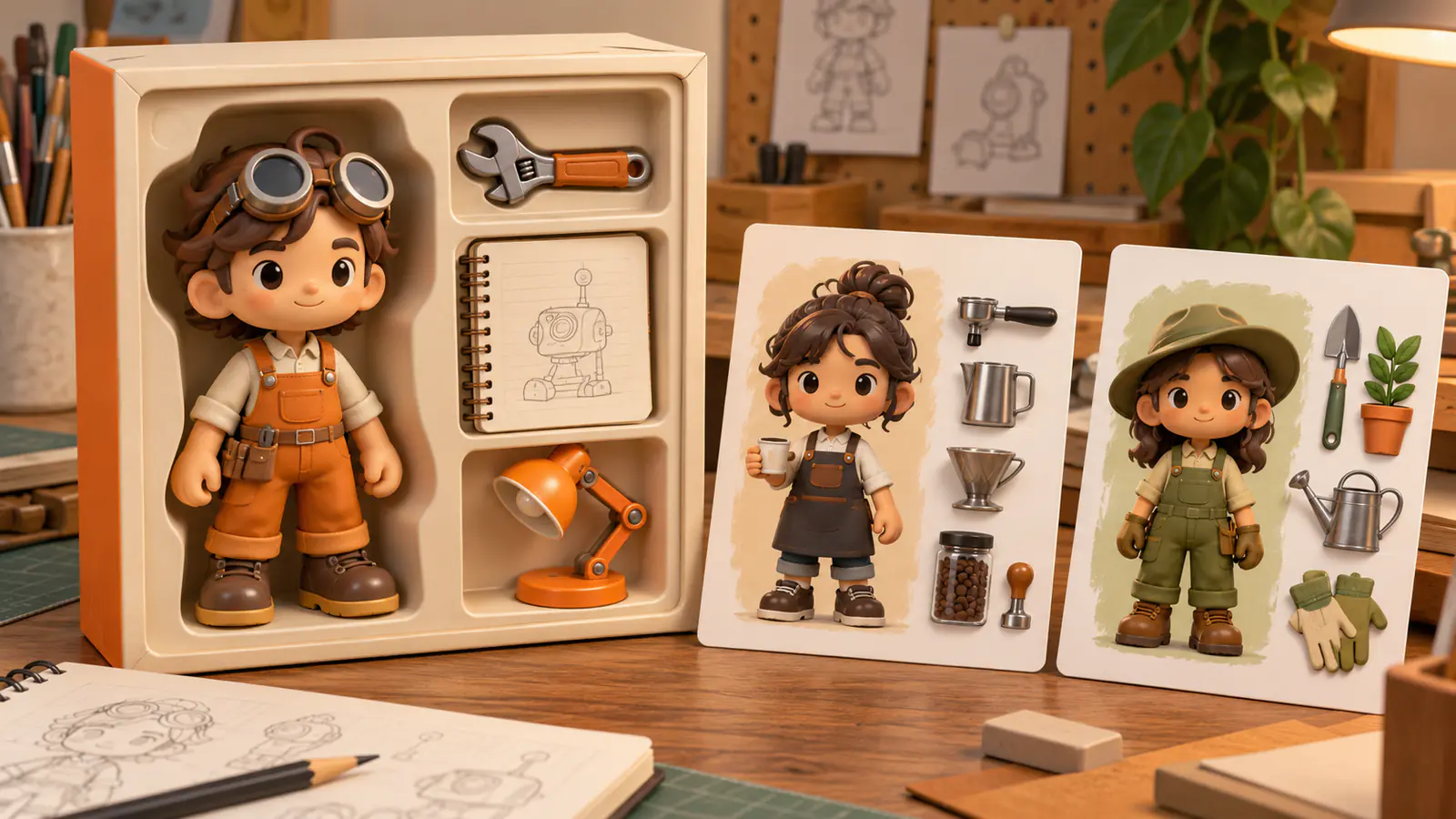
An original stylized inventor figure stands inside a cream and orange display box. The figure wears overalls and round goggles in a confident relaxed pose. Three separate accessory compartments contain a wrench, a closed sketchbook, and a miniature desk lamp. Use soft studio light and visible molded details.
Best for: A maker-themed portrait.
Review: Three accessories, coherent goggles, and distinct compartments.
2. The neighborhood barista
An original barista collectible wears a dark apron over a pale shirt and stands in a friendly upright pose. The package uses warm brown and ivory. A coffee cup, a small milk pitcher, and a bag of beans sit in three clearly separated compartments.
Best for: A café-inspired character.
Review: The apron and cup remain recognizable; props do not merge.
3. The traveling photographer
An original photographer figure wears a lightweight field jacket and carries a compact shoulder bag. The display box uses muted blue and sand colors. A camera, a folded map, and a small tripod occupy separate compartments. Present the package in a clean three-quarter studio view.
Best for: A travel or photography portrait.
Review: The shoulder bag belongs to the figure; the three additional props remain separate.
4. The weekend gardener
An original gardener collectible wears green work clothes and simple boots. The figure stands in a cheerful relaxed pose inside a pale botanical-themed box. A watering can, a small trowel, and a seed tray occupy three spaces. Use a molded toy appearance and painted clothing details.
Best for: A hobby-themed gift image.
Review: Tool shapes and clear separation from the figure.
5. The independent musician
An original musician figure wears a textured jacket and stands with a slight performance-ready lean. The packaging uses deep plum and warm cream. A miniature keyboard, headphones, and a closed music notebook sit beside the figure in distinct compartments under soft product lighting.
Best for: A music-themed collectible concept.
Review: Instrument proportions and the number of accessories.
6. The city explorer
An original traveler collectible wears a comfortable jacket, walking shoes, and a small backpack. The box uses warm gray and muted orange. A reusable bottle, a folded city map, and a compact notebook occupy three accessory compartments. Keep the figure and package visually balanced.
Best for: A personal travel portrait.
Review: Backpack straps, shoes, and organized compartments.
Animate AI Action Figure Portraits in Four Steps
- Create the portrait. Explore the design in Pitovee's AI image workspace. If adapting a personal photograph, first check the selected model's reference support.
- Inspect the package. Count accessories and review the figure's hands, clothing, pose, and display window. Correct unclear details before animation.
- Choose restrained motion. Where the video model supports the image input, begin with a short camera approach or a lighting change around the stationary box.
- Finish in an editor. Add the exact package name or greeting, trim the selected clip, and check readability.
A proposed animation brief:
The packaged figure stays upright on the tabletop. The camera makes a short slow approach toward the display window while a soft highlight moves across the transparent surface. The figure and accessory compartments retain their positions.
This is a starting instruction, not a tested result.
Review the Portrait and Motion Separately
First inspect whether the still image expresses the intended character. Then inspect whether animation preserves that design.
If the display window changes shape, simplify the movement. If you want a walking figure, plan a separate scene outside the box with an appropriate reference.
Do not treat a strong package portrait as proof that the same pose can support a complex performance. Choose the movement for the specific visual information available.
Keep the accepted portrait as a baseline for any later version.
FAQ
Can I use my own photograph?
Where the chosen model supports reference images, you can try. Evaluate likeness and toy styling separately.
Should the prompt include the package name?
You can plan its placement, but add exact readable wording during editing when accuracy matters.
What is the simplest animation?
A short approach or gentle lighting change around a stationary package.
Conclusion
Useful AI action figure prompts give the character, accessories, and package a clear relationship. Complete the portrait, check every component, and then choose a manageable motion. A coherent design provides a stronger starting point for the finished collectible-style video.
Related articles
Follow an AI music video tutorial built around a storyboard, reference images, original scene prompts, and an editing process that matches visuals to your song.
Introducing Pitovee AI: An AI Image to Video Generator for CreatorsExplore Pitovee AI, an AI image-to-video generator for creative projects. Discover its image tools, credits, and useful ways to get your first idea moving.