Halloween AI Video Prompts: Six Spooky Scenes to Create This October
Explore Halloween AI video prompts for haunted gardens, ghostly rooms, and quiet suspense, with camera directions and practical checks for each original scene.
Quick Summary
Halloween AI video prompts can create a seasonal scene through one small disturbance: a light brightens, a curtain moves, or mist passes between familiar objects. These six original examples include camera directions, suitable uses, and practical checks before you finish a greeting or campaign.
Choose the Mood Before the Scene
Choose whether the clip should feel playful, mysterious, or unsettling. A friendly ghost suits one audience; a distant lantern and an empty path suit another.
Historical search evidence can inspire the setting. Google's 2025 Frightgeist report highlighted Enchanted Forest among Halloween party themes. Treat that as a dated idea source, not a confirmed 2026 trend. Google Frightgeist 2025
For spooky AI video prompts, give the viewer one detail to notice. Quiet movement can communicate suspense without a complicated sequence. For AI horror video prompts, define the intensity through the setting and pacing before adding further action.
Key Takeaways
- Choose the audience and mood first.
- Give the scene one main movement.
- Match the prompt to the reference's existing layout.
- Inspect architecture and recurring objects.
- Add exact greeting text during editing.
Six Halloween AI Video Prompts
1. The haunted greenhouse
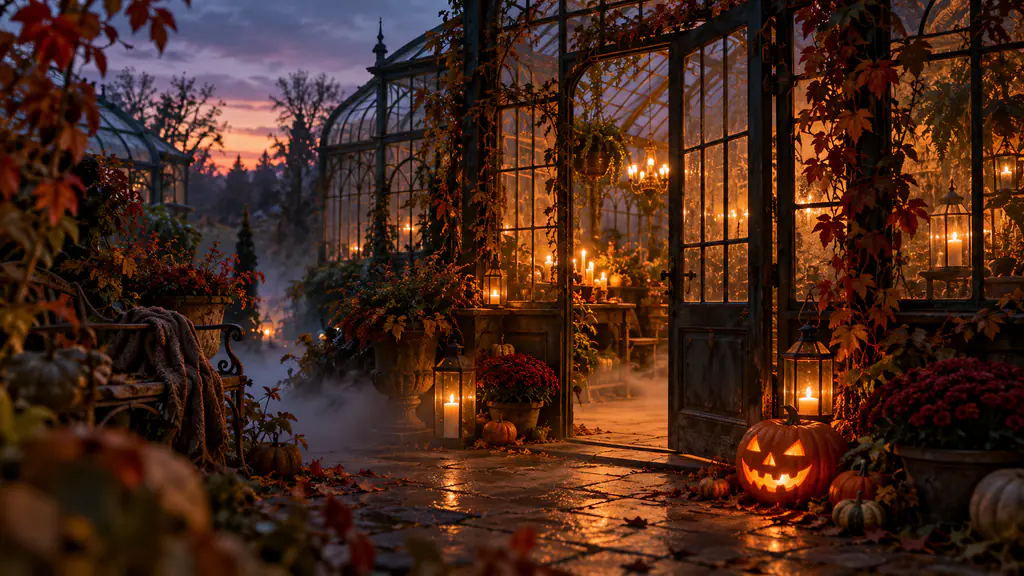
A weathered greenhouse stands in a moonlit garden surrounded by pumpkins and climbing vines. Thin mist moves slowly between the plants. One warm light glows inside as the camera makes a short approach toward the closed glass door, preserving the structure of the building.
Best for: A mysterious opening.
Review: Doorframes, glass panels, and vine continuity. Reduce the camera path if the structure changes as it approaches.
2. The ghost at the window
A small translucent ghost floats beside an upstairs window in a quiet house. It turns gently toward the moonlight and settles near the curtain. The camera holds a fixed exterior view, with the house remaining stable and the scene feeling curious rather than threatening.
Best for: A friendly greeting.
Review: A consistent ghost shape and controlled transparency. The window should stay readable behind the figure.
3. The lantern on the porch
A carved pumpkin lantern sits beside a wooden front door. Its warm light gradually brightens while dry leaves move softly along the porch. The camera stays low and makes a short push toward the pumpkin, ending with the door still visible in the background.
Best for: A cozy invitation.
Review: The carving, door geometry, and leaf movement. Keep the pumpkin's face recognizable through the lighting change.
4. The enchanted forest path
A narrow forest path leads between dark trunks toward a distant amber lantern. Soft mist drifts near the ground. The camera moves slowly along the center of the path, keeping the lantern visible while the surrounding branches retain their positions.
Best for: Quiet suspense.
Review: A stable travel direction and a clear destination. The lantern should not jump between unrelated positions.
5. The portrait's shadow
An old framed portrait hangs above a small table in a dim room. Candlelight moves gently across the wall, and a soft shadow slowly passes over the painted figure. The camera stays fixed, preserving the frame, furniture, and painted surface throughout.
Best for: A restrained unsettling detail.
Review: The portrait remains a painting rather than turning into an unrelated moving face.
6. The miniature haunted village
A handmade miniature village rests on a dark tabletop, with small houses, paper trees, and glowing windows. Gentle fog moves between the buildings as the camera tracks a short distance across the display. Preserve the miniature materials and proportions.
Best for: A playful campaign background.
Review: House shapes and scale. The miniature objects should stay clearly separate from the surrounding tabletop.
Adapt the Prompt in Four Steps
- Choose the reference. Use a clear scene with a recognizable focal point. If you have a porch photograph, keep its existing door and layout.
- Select the action. Start with the flame, mist, ghost, or shadow. Reduce other movement so you can inspect that action.
- Check the model. Open Pitovee's video workspace and inspect the chosen model's reference and framing controls.
- Review a candidate. Watch normally, then inspect the moving element and important structures. Revise one relevant instruction.
These examples are proposed starting points, not tested outputs. Keep the camera fixed for a first attempt when architecture or detailed decorations are central.
Turn Halloween Animation Prompts into a Greeting
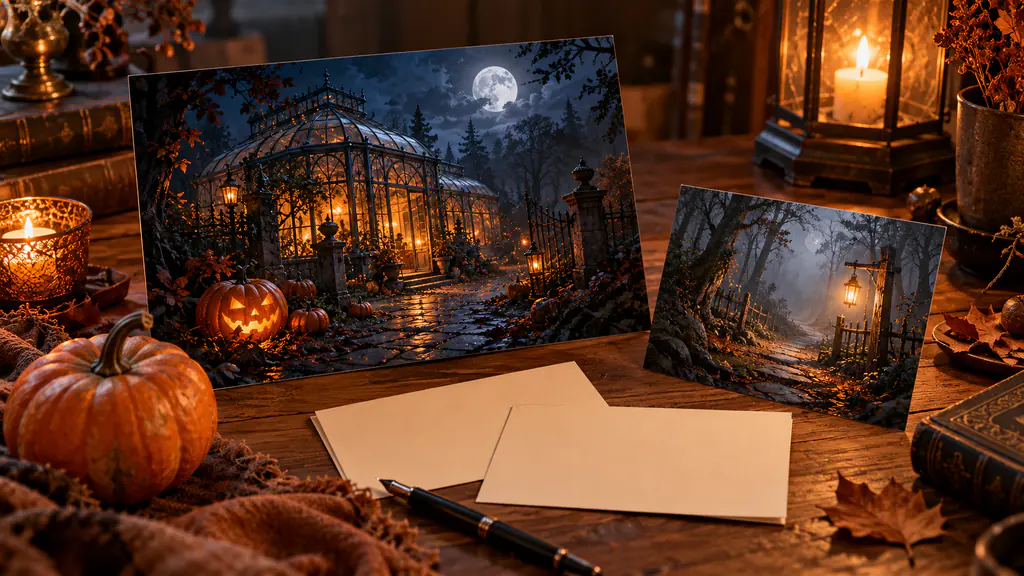
Select a coherent part of the clip and add the final message in an editor. Use the actual invitation date, recipient name, or campaign wording.
Place text away from the main action. A lantern scene may offer room above the porch; a forest scene may provide space beside the path. Check the actual output before choosing placement.
Add sound only when it supports the mood. Quiet wind or a single subtle creak can suit a restrained scene. Review whether the audio timing distracts from the visual action.
Preview the export at its intended size. A dark background may need a brighter caption, while a glowing pumpkin may make nearby text harder to read.
FAQ
How can I make a scene spooky without gore?
Use lighting, distance, mist, and a slow reveal. One unexplained movement can establish the mood.
Should the camera always move?
No. A fixed view can make a small change easier to notice and review.
Can I use these prompts for a greeting card?
Yes. Choose gentle movement, leave space for the message, and add exact text during editing.
Conclusion
Halloween AI video prompts are most useful when the scene has one clear detail and a defined audience. Choose a mood, animate a manageable action, and inspect the setting before adding the greeting. Finish one coherent October clip before expanding the idea into a longer sequence.
Related articles
Create AI ASMR prompts for crystal fruit, soft textures, and impossible foods, with one action, camera, and audio directions you can refine after each attempt.
AI Camera Movement Prompts: Control Pans, Orbits, and Dolly ZoomsWrite AI camera movement prompts that describe the shot clearly, distinguish pans from tracking, and help you test orbits, push-ins, and dolly zoom effects.
AI Video Character Consistency: Keep One Character Across Your ScenesBuild AI video character consistency with clear references, a simple character sheet, scene planning, and careful checks before you edit your clips together.