Image to Video Prompts 2026 October: Write Better Motion and Camera Instructions
Learn to write image to video prompts with clear motion, camera direction, and practical examples, then review results and improve one instruction at a time.
Quick Summary
Good image-to-video prompts describe what happens after the reference becomes the first frame: a subject moves, the environment changes, or the camera approaches. This guide shows how to prepare a reference, write a manageable shot, and improve the result through controlled revisions.
Why Image to Video Prompts Need a Clear Action
A photograph already communicates much of the scene's appearance. Your instructions should make the intended change easy to understand. Runway's image-to-video documentation distinguishes the visual context supplied by the image from the movement described in the prompt. That is useful guidance for a starting workflow, while exact model behavior still needs evaluation. Runway image-to-video prompting guide
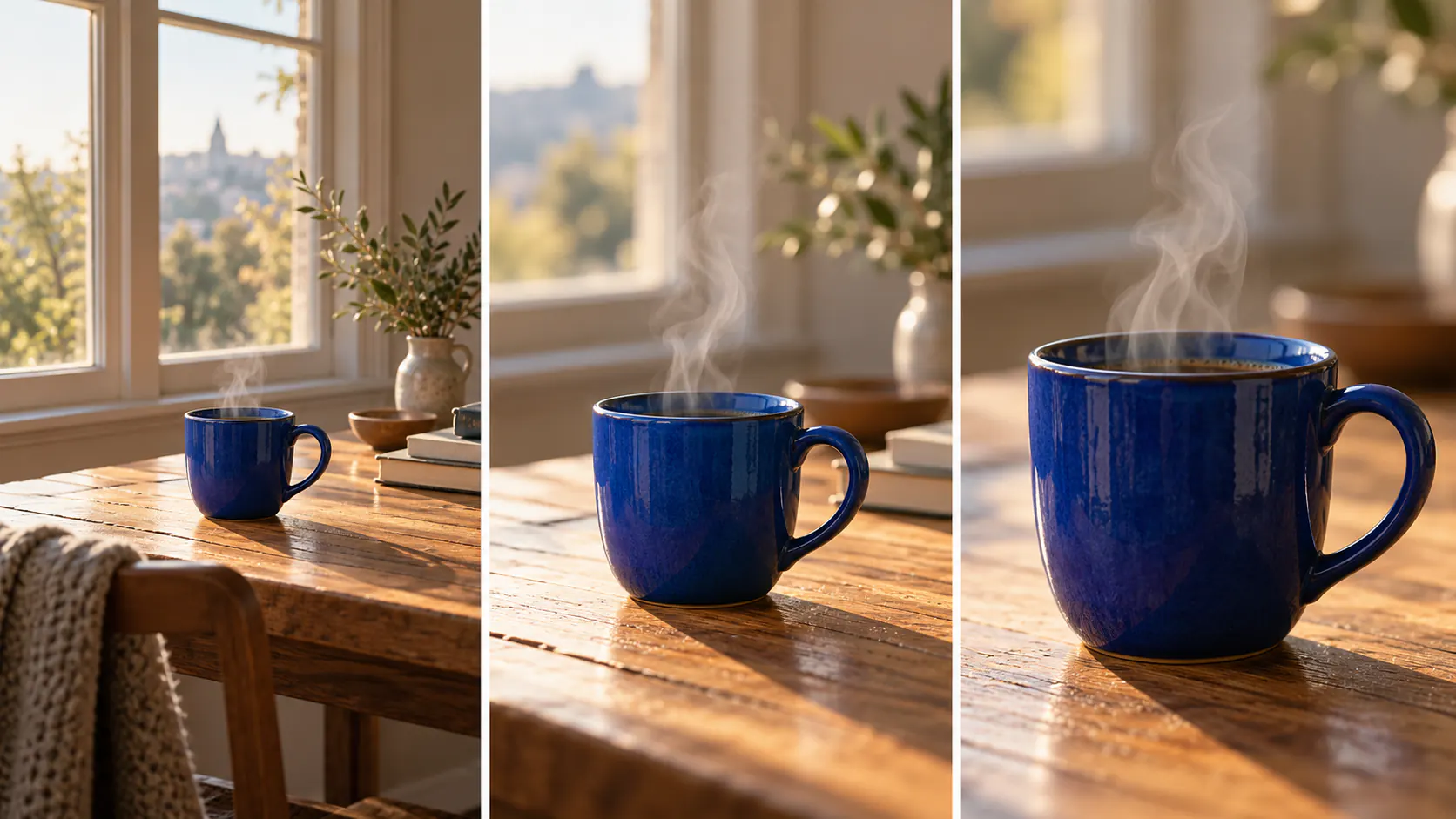
For example, a café photograph establishes the cup, tabletop, and window. The prompt can concentrate on steam rising and a short camera approach. Repeating a long description of every visible object adds little to that particular direction.
Complete this sentence before generating: “During this shot, the viewer should see ______.” If the answer contains several unrelated actions, split them into separate scenes.
Key Takeaways
- Select a reference that clearly shows the important subject.
- Give the first attempt one observable action.
- Describe the camera's path and endpoint when it moves.
- Keep model settings stable during a controlled comparison.
- Review object shape and identity as well as overall mood.
Prepare the Reference and Available Controls
You need a usable source image, a clear scene objective, and access to a model that supports the required input. If the final video needs captions or exact text, also plan an editing step.
Choose a reference with readable edges and enough room for the movement. A partly hidden face or an object cropped at the edge may require the model to invent details when it turns or when the camera moves.
Open Pitovee's AI video workspace and inspect the selected model's available controls. Check reference support, framing, and duration rather than assuming all models expose the same options.
Save the original image and your first prompt together. Give the scene a descriptive name such as “cup-window-steam” so the next attempt is easy to identify.
Write Image to Video Prompts in Four Steps
1. Establish what must remain recognizable
Identify the subject and a few important details. For a cup, the rim and handle should keep their shape. For a portrait, identity matters. For a product, its silhouette and visible features are central.
Use a short identifying phrase when needed, such as “the blue ceramic cup.” Avoid turning the reference description into a second, conflicting scene.
2. Choose one primary action
Describe an action you can observe in the output: steam rises, the curtain lifts, or the person makes a small turn. Connect environmental movement to the same idea.
A quiet cup scene does not also need a changing room, a moving table, and an elaborate lighting transformation. Keep the first attempt focused.
3. Specify the camera
Choose a fixed view or one clear movement. If the camera approaches, say what it approaches and where it stops. If it pans, describe the direction and destination.
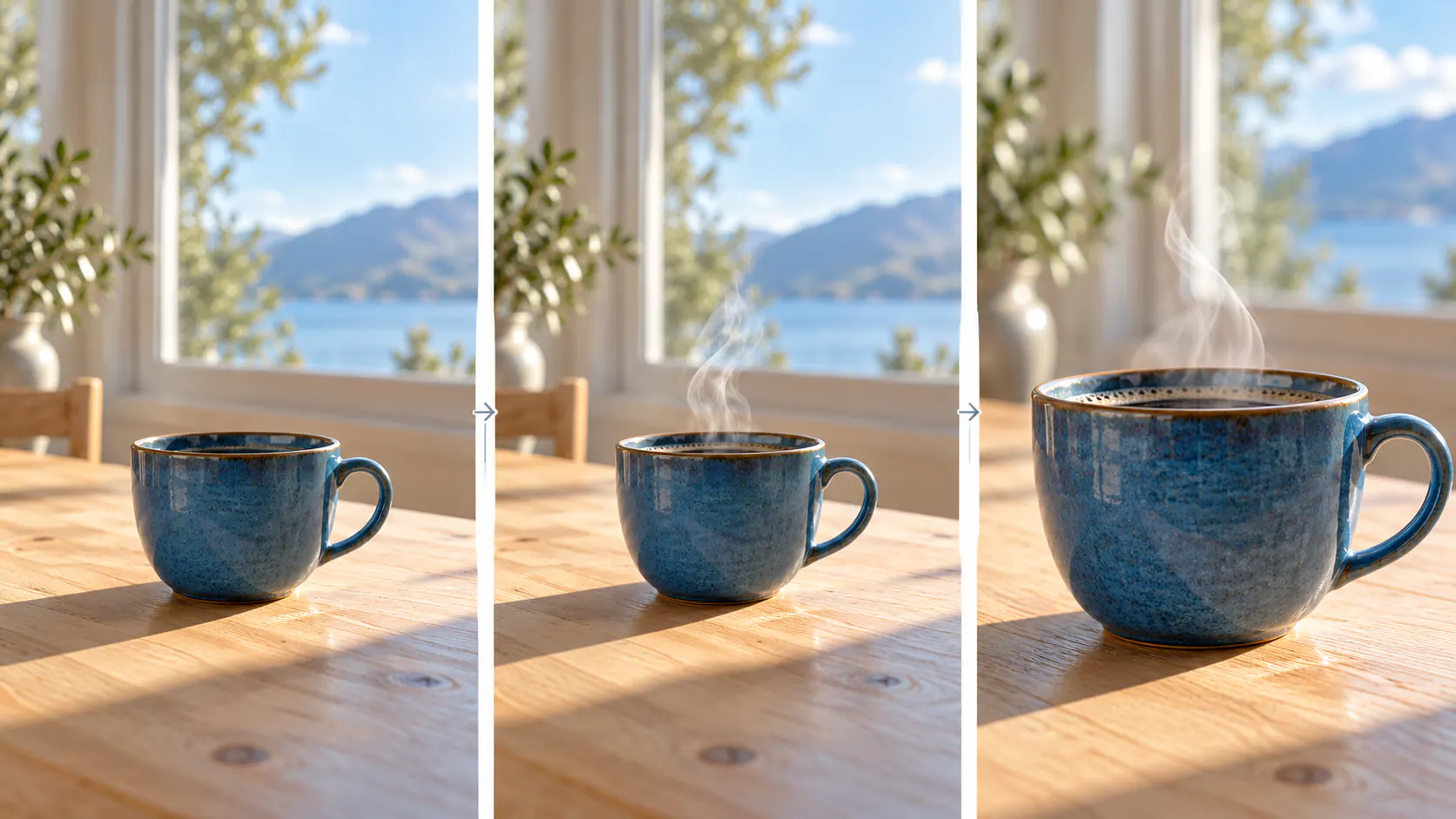
“Make a short push toward the rim, ending before the handle leaves the frame” is easier to evaluate than “make it cinematic.”
4. Define the progression and generate a candidate
Describe how the shot settles. A curtain can lift and return; a person can turn and pause. Then use the available settings to create a candidate and inspect it before expanding the scene.
Three Original Image to Video Prompt Examples
These photo animation prompts are proposed starting points, not tested results.
Café detail
A thin ribbon of steam rises from the blue ceramic cup and curls gently toward the window. The cup remains in place. The camera makes a slow, short push toward the rim, maintaining the warm light and tabletop composition throughout one continuous shot.
Check whether the rim remains round and the steam stays visually connected to the drink.
Curtain movement
A light breeze lifts the linen curtain slightly before it settles. Sunlight passes softly through the fabric. The camera stays fixed at the original angle, with the window frame and furniture maintaining their positions.
Check whether the curtain behaves as one continuous piece of material.
Portrait movement
The person makes a small head turn toward the window and settles into a relaxed expression. Their shoulders remain steady. The camera stays at eye level with a fixed composition and the original soft lighting.
Inspect identity at the beginning, middle, and end. These image to video prompt examples each provide a specific review question.
FAQ
How long should an image-to-video prompt be?
Use enough detail to explain the action and camera clearly. A focused paragraph is easier to revise than a long list of disconnected adjectives.
Should I describe everything in the photograph?
Usually, emphasize the change. Repeat a visible detail when it identifies the subject or explains something that must remain stable.
Can one prompt guarantee identical results?
No. Review each candidate and select the version that meets your scene's requirements.
Conclusion
Useful image to video prompts give you an observable action and a clear way to judge it. Use this image to video prompt guide to prepare the reference, define the movement, and compare controlled revisions. Complete one coherent shot before developing a more complicated sequence.
Related articles
Create AI ASMR prompts for crystal fruit, soft textures, and impossible foods, with one action, camera, and audio directions you can refine after each attempt.
Halloween AI Video Prompts: Six Spooky Scenes to Create This OctoberExplore Halloween AI video prompts for haunted gardens, ghostly rooms, and quiet suspense, with camera directions and practical checks for each original scene.
AI Camera Movement Prompts: Control Pans, Orbits, and Dolly ZoomsWrite AI camera movement prompts that describe the shot clearly, distinguish pans from tracking, and help you test orbits, push-ins, and dolly zoom effects.